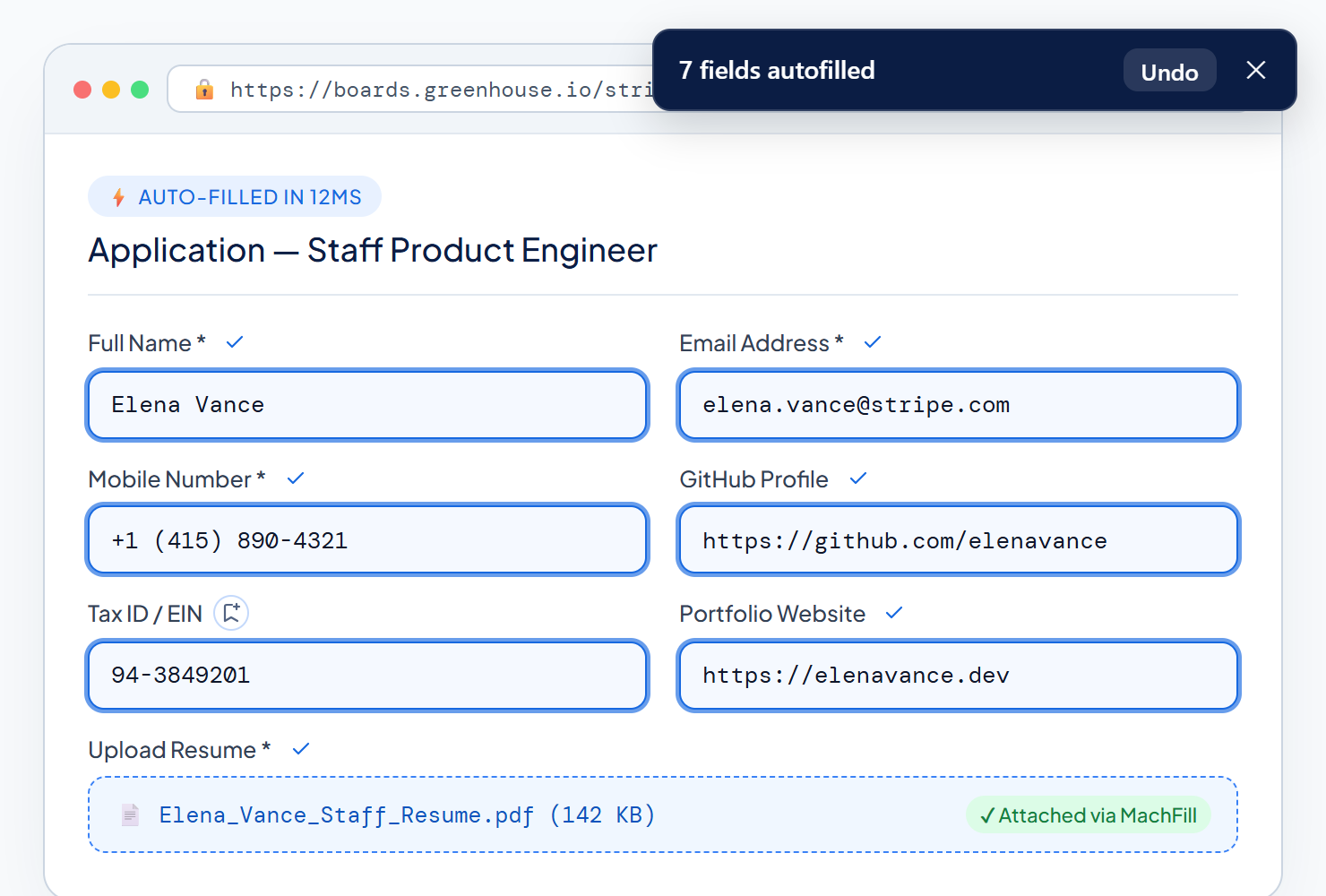
Learn how to speed through everyday forms, protect sensitive details with local-only
storage, and customize MachFill to fit your workflow.
Featured Guide · 3 min read
How MachFill Recognizes Different Form Labels Automatically
From Mobile Number to Contact Phone, see how smart matching
connects your saved details even when websites word things differently—and how
custom aliases cover every edge case.
Privacy · 3 min read
Why Keeping Your Data Stored Locally Only Matters
No cloud accounts, no remote servers, and no tracking. Learn how privacy masking and
website locks protect your personal details.
Shortcuts · 2 min read
Fill Any Form Without Touching Your Mouse
Master Alt+Shift+F, Alt+Shift+S,
and / search to breeze through applications in seconds.
Workflows · 3 min read
Using Multiple Profiles for Work, Personal & QA
Separate your job-search details, personal contact info, and testing personas so the
right details fill at the right time.
Workflows · 2 min read
Save Entire Forms in One Click with Page Capture
Already filled out a long onboarding form? Use Capture to scan every field and save
new or updated entries together.
Privacy · 2 min read
Locking Sensitive Fields to Trusted Websites
See how website locks and per-site pause controls make sure Tax IDs or private codes
only appear where you explicitly allow them.
Smart Matching · 3 min read
Attaching Resumes & Files Automatically
Save your PDF or DOCX resume once and let MachFill attach it directly into upload
dropzones on job boards and portals.